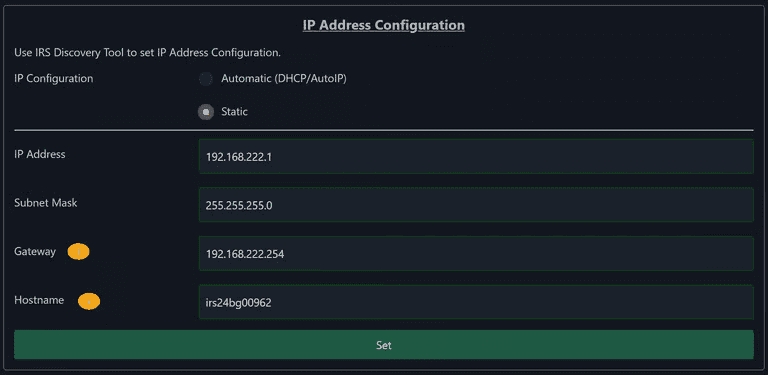
You can reach the WebServer in a browser by entering either the IP address or the host name (for example, irs24bg00961.local).
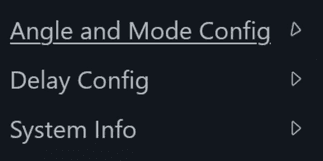
The menu is on the left-hand side and has three options:
7.1Angle and Mode Config
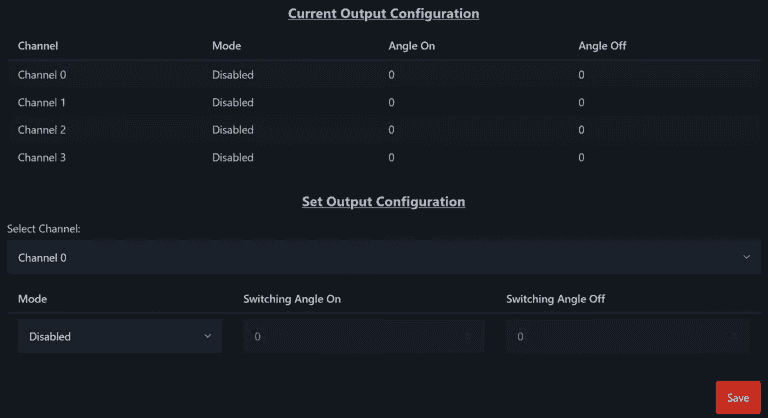
You can configure the mode, switch-on angle and switch-off angle individually for each channel. You can set the phase angles in the range from -180° to +540°. The different modes are explained in more detail in the section Functional Description.
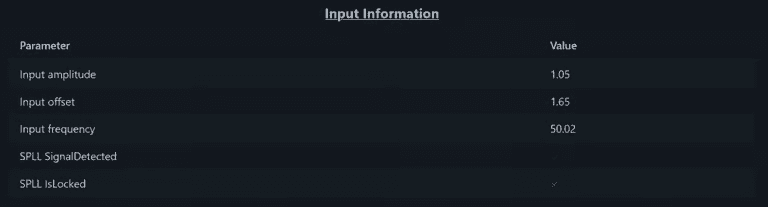
This page also shows information about the reference signal.
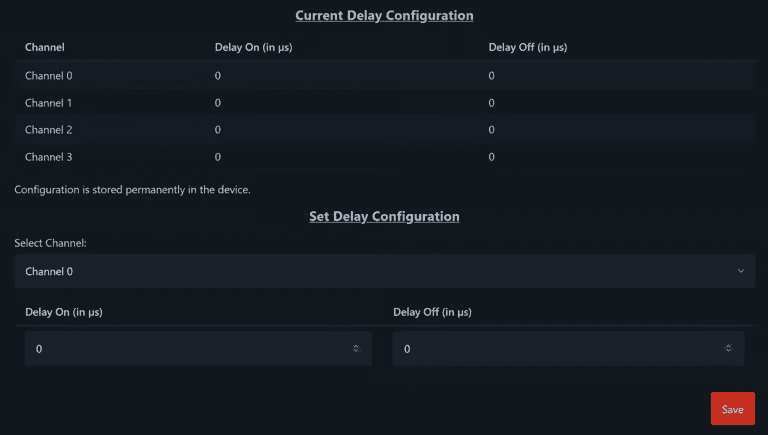
7.2Delay Config
You can configure the switch-on and switch-off delays individually for each channel.
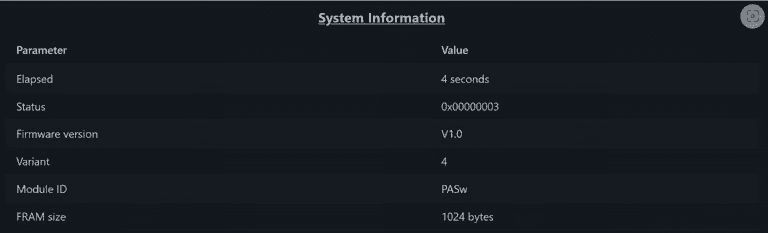
7.3System Info
Among other things, this page shows the installed variants of the input and output modules and any errors that have occurred.
You can also configure the network settings here.