3.1System Requirements
IRS always recommends to use the latest Installer versions. The support of older versions can not be guaranteed.
3.1.1Version 4.2.0 or later
- Windows 10 or later
- Microsoft .NET Framework 4.8 or later
- NI LabVIEW Run-Time Engine 2017f2
- NI FlexRIO Runtime 17.0
3.1.2Version 4.0.0 and 4.1.0
- Windows 7 or later
- Microsoft .NET Framework 4.6.2 or later
- NI LabVIEW Run-Time Engine 2017f2
- NI FlexRIO Runtime 17.0
- IRS SSV Common Components (including NI TDMS)
3.1.3Version 3.0.0 or older
- Windows 7 or later
- Microsoft .NET Framework 4 or later
- NI LabVIEW Run-Time Engine
- 2014 (Application Software V2.2.0.6 up to V3.0.0.0, Driver Software V2.1.0.7 up to V3.0.0.0)
- 2011 (for all older versions)
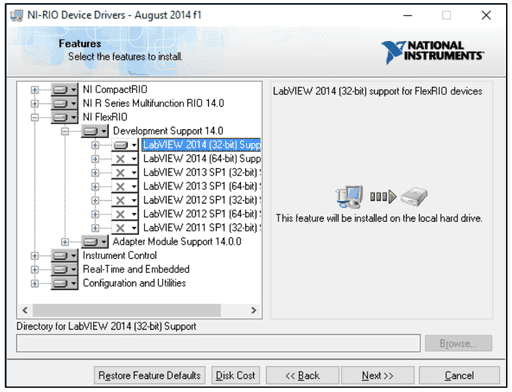
- NI RIO driver installed (with FlexRIO support option selected. See figure below.)
- Version 14f1 (Application Software V2.2.0.6 up to V3.0.0.0, Driver Software V2.1.0.7 up to V3.0.0.0)
- Version 11 (for all older versions)
3.1.4Installation
The installation is divided into three packages:
IRS_SSV_Driver_Setup.exe
Contains the SSV drivers, installs the COM/.NET Server components.
IRS_SSV_Applications_Setup.exe
Installs the editor. Requires installation of drivers before!
IRS_SSV_ResultViewer_Setup.exe (optional)
Useful tool to open TDMS Files created by the SSV Applications.
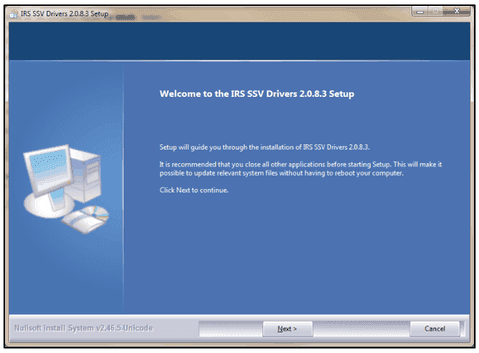
Installation is menu driven, just follow the instructions.
3.1.5Special Requirements sbRIO
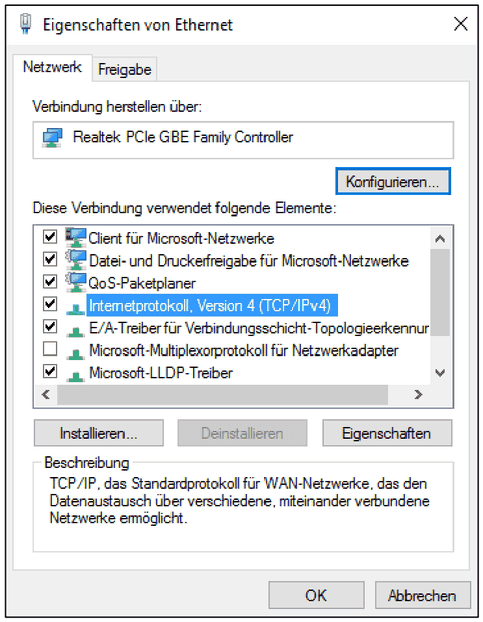
TCP/IPv4 needs to be checked.
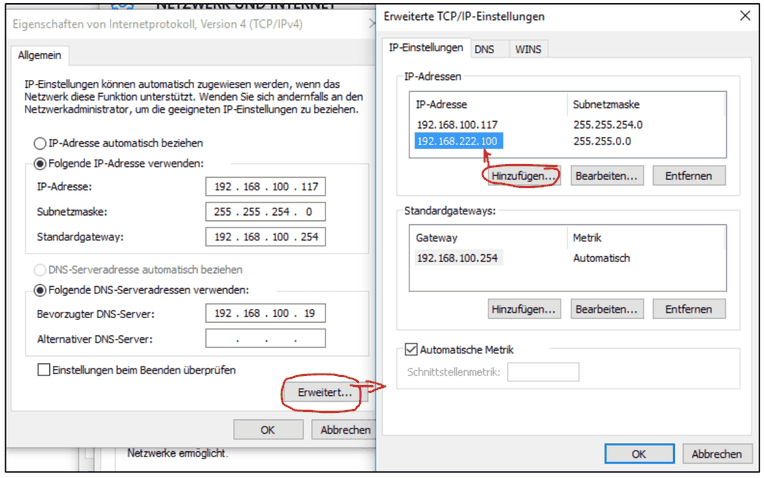
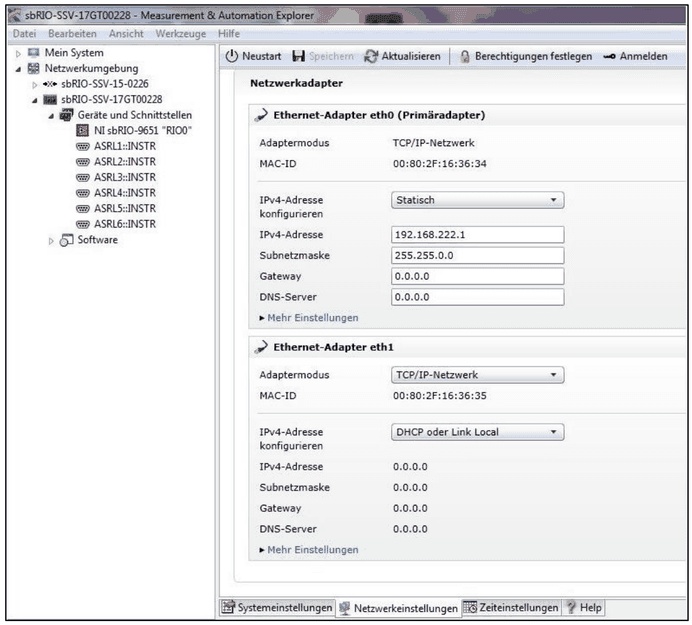
You can make changes to the IP addresses under advanced settings.
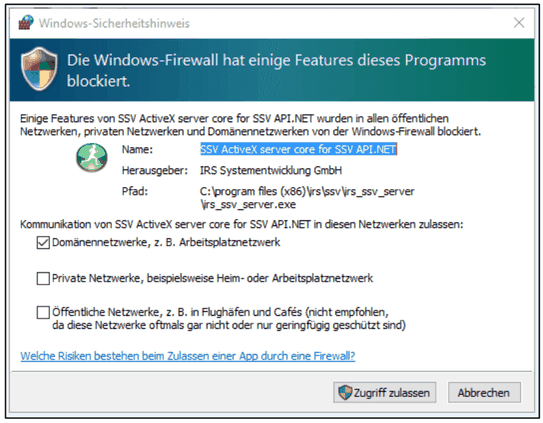
Change the firewall restrictions in case the SSV module gets blocked.
3.2Multiple sbRIO
In case there are multiple sbRIO modules in use within the same network, please pay attention: the first module can keep its IP address, all other modules need to be changed manually.