Diese Seite gibt es noch nicht auf Deutsch, daher wird die englische Fassung angezeigt.
The configuration manager is your central point to save and restore LTT GUI configurations.
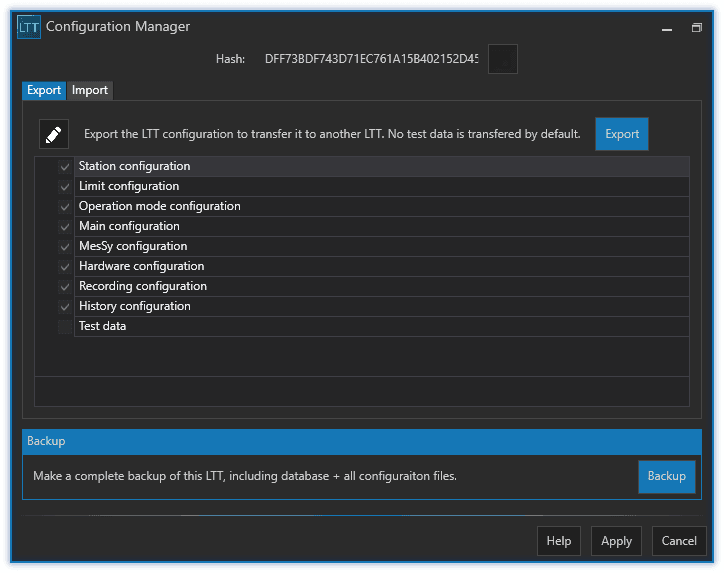
There are 3 common use cases:
- backup an existing LTT configuration for a project
- export a LTT configuration to transfer it from one LTT to another
- switch between different projects
1.1.2.6.1Backup

By making a backup you create a snapshot of your current LTT configuration. You can later revert to that backup configuration anytime. The backup will include the following data:
- station configuration (number of stations, DUT types, groups, signals)
- limit configuration
- operation modes + parameters
- main configuration (ltt_main_configuration.xml)
- MesSy configuration (ltt_messy_config.xml)
- hardware configuration (ltt_module_config.xml)
- recording configuration (ltt_recording_config.xml)
- history configuration (ltt_history_config.xml)
- all test related data
- DUT's
- test orders
- error counters
1.1.2.6.2Export
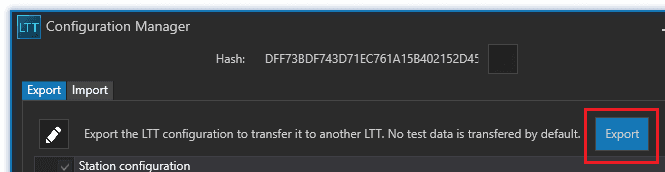
The Export button will save the same configuration as Backup but without test related data. This is useful if you want to transfer the configuration from LTT to another of the same kind.
1.1.2.6.3Import

To import a configuration just select a previously exported configuration zip file.
Your current configuration will be irreversibly overridden! The GUI will be automatically restarted.
1.1.2.6.4Switch projects
With the help of the configuration manager you can even switch between 2 or more completely different projects (with different DUT types, DUT's, signals, limits, etc.).