Diese Seite gibt es noch nicht auf Deutsch, daher wird die englische Fassung angezeigt.
Through the hardware menu of the main window you can access panels to show / control every LTT standard hardware.
A LTT usually comes with the following standard hardware:
- power supplies (for the DUT's)
- temperature sensors (for climatic chambers)
- temperature chamber contact (digital I/O)
You have to configure the LTT standard hardware in module configuration file.
PS
You can access the power supply control panels through the main window menu Hardware > PS.
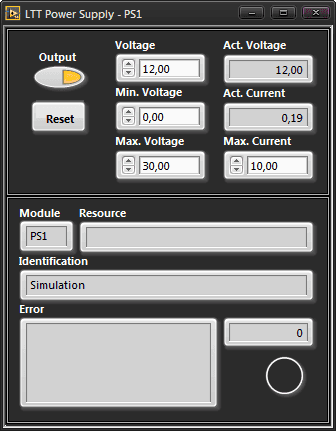
A panel will open for every PS configured in module configuration. Power supplies configured as tsonly will not show up.
TS
You can access the temperature sensor control panels through the main window menu Hardware > TS.
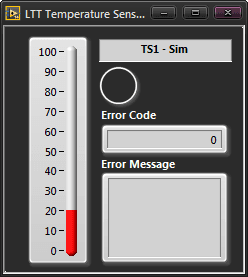
A panel will open for every TS configured in module configuration. With simulated TS driver you can set a temperature, otherwise the panel is read only.
TCC Control GUI
You can access the temperature chamber contact control panel through the main window menu Hardware > TCC.
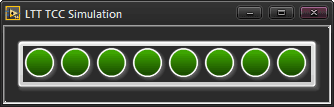
With simulated TCC driver you can set a TCC value, otherwise the panel is read only.
The temperature chamber contact is a digital input for the LTT.
The input is usually set from the climatic chamber, which usually accompanies each LTT.
The TCC consists of 8 input channels (bits).
You need the TCC input for determining which operation mode of your testplan should execute.
The standard TCC module is a NI PCI-6503 24 channel digital in/out card. The 24 channels are grouped by 3 ports á 8 lines.